




A whole little family, together.
Add a batch and follow each photo as it finds its best light.
 My Corner
A LITTLE HOME FOR YOUR COLLECTION
Snap it. Keep it. Love it.
A little home for the things that make you smile.
Small collections.
Big feelings.
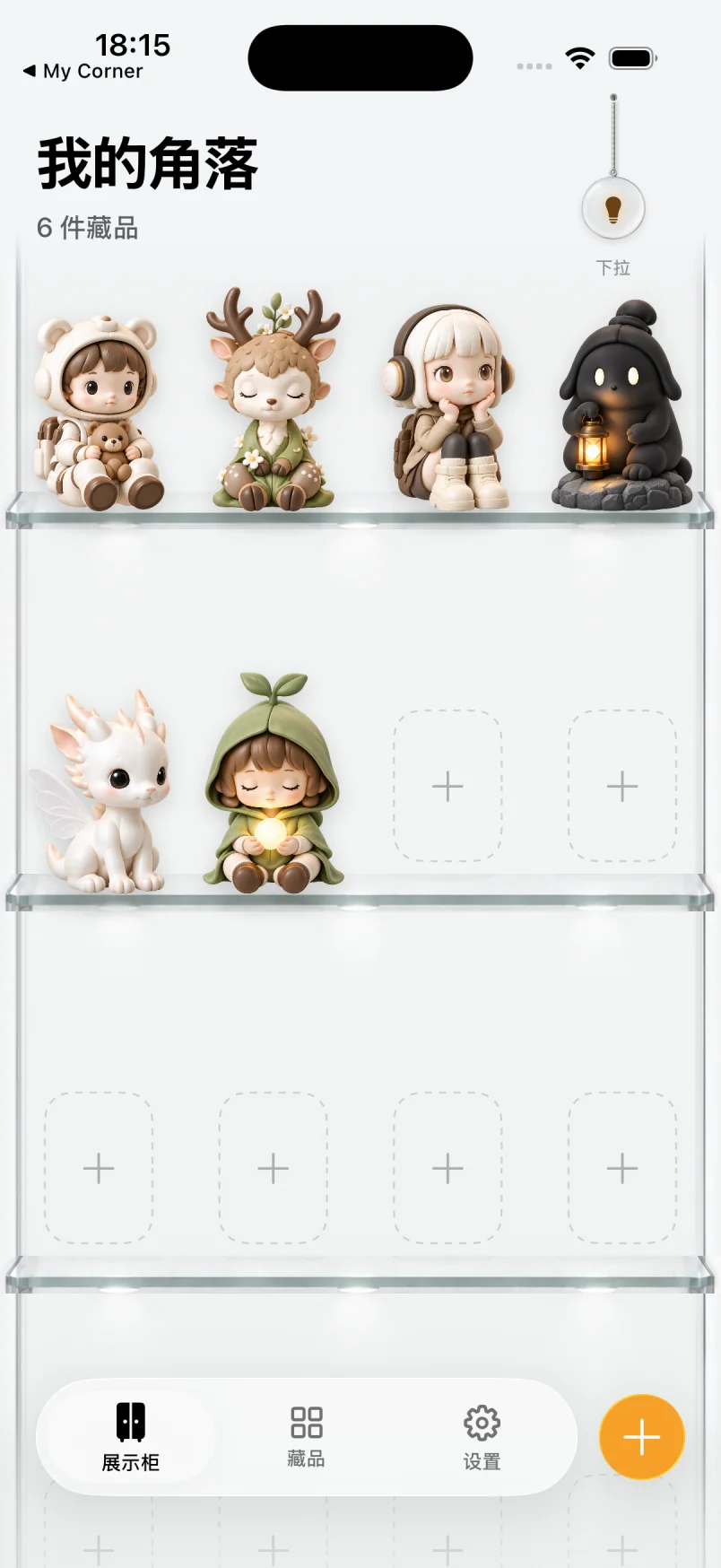
01 / MAKE IT YOURS
Clear glass, soft blush, warm oak, or a floating shelf. Pick your favorite corner, arrange your treasures, and pull the cord to turn on the light.
Pick a finish to see the real app.
02 / JUST ONE PHOTO
From a photo to a place on your shelf. Less filling in. More falling in love.
One at a time, or up to 10 from your library.
Your subject is cut out, softly lit and gently straightened.
Names, boxes and notes are optional. The stories can come later.
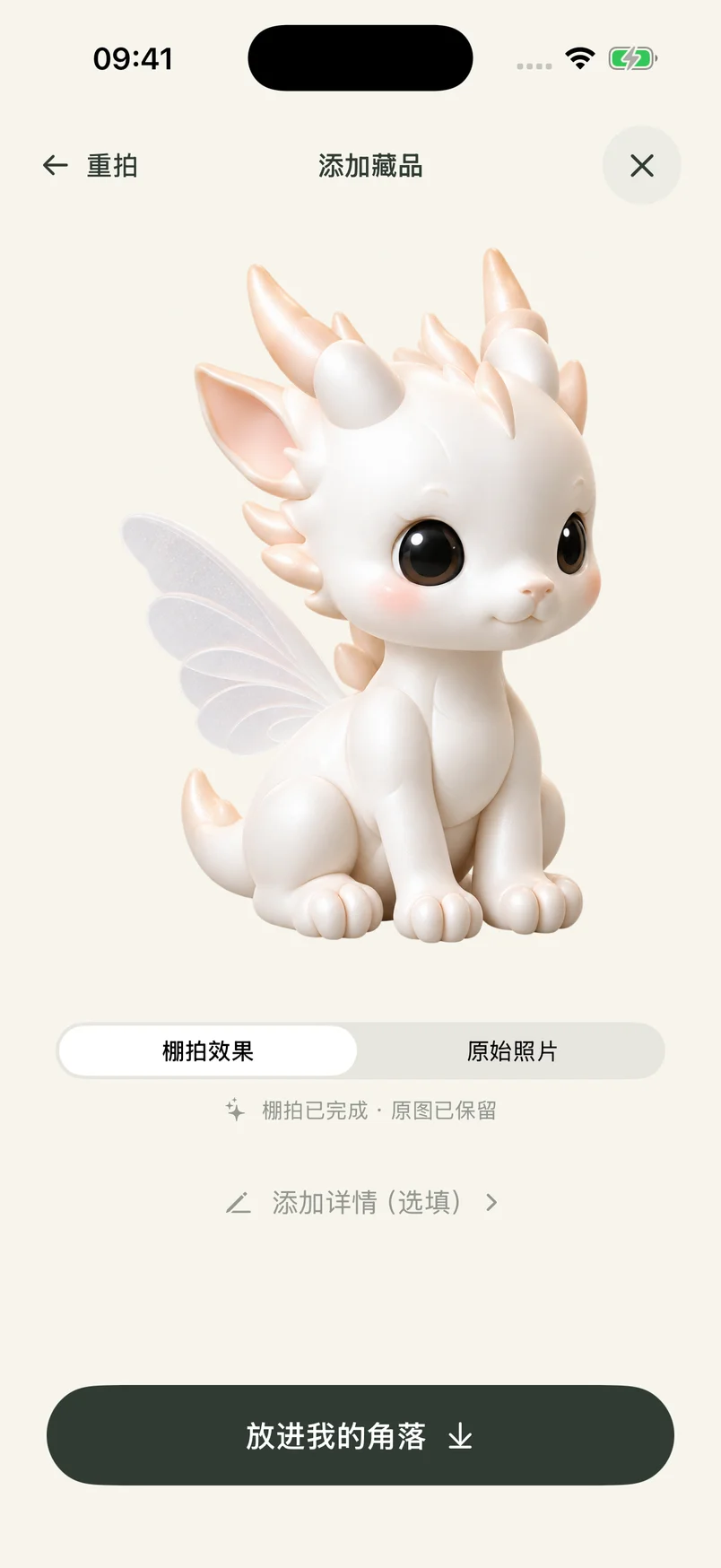
03 / JOY AT A GLANCE
Give your favorites a home on your Home Screen. One little friend, a favorite row, or a whole cabinet of happiness. Always there, without opening the app.


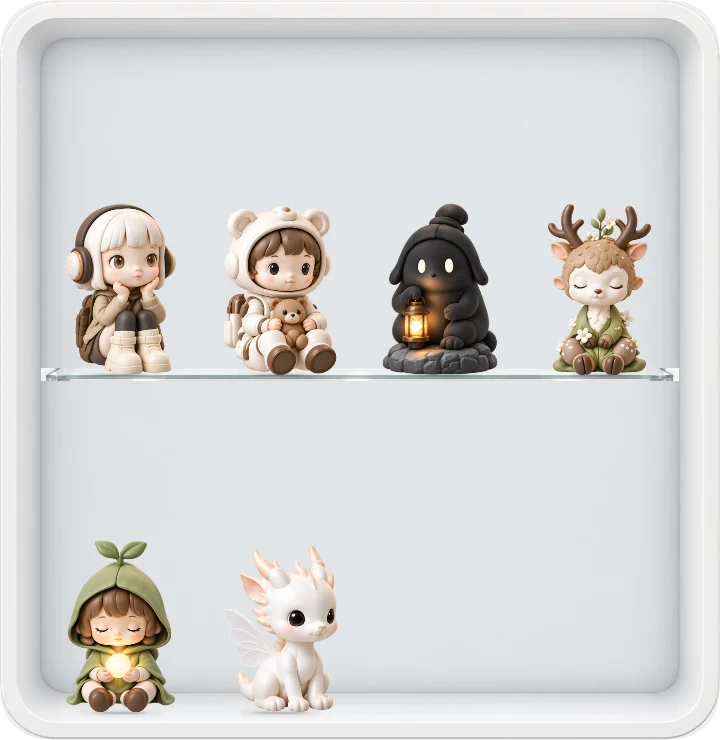
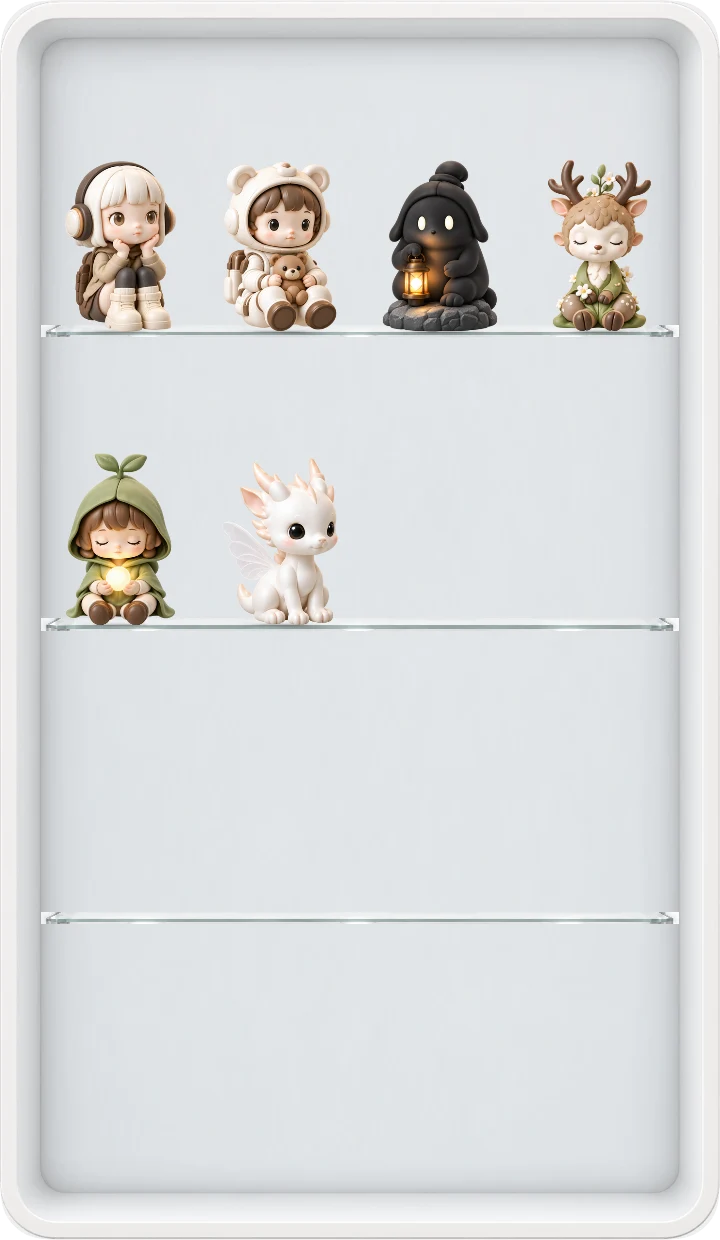
IPHONE DUO Layout preview
A corner for your collection on the unfolded iPhone Duo. Favorites in the widget area on the left. Your everyday life, right beside them.
Add a batch and follow each photo as it finds its best light.
Tap to take a closer look. Swipe through your favorites. Your original stays on your device.
If studio processing fails, retry or keep the photo as it is.
A LITTLE GIFT TO BEGIN
Your first 6 additions are free, with a studio photo for each.
For a collection that keeps growing.
A fresh studio allowance every month.
Pricing and monthly allowances will be announced before subscriptions open.
Each batch photo counts separately. A completed studio photo uses one allowance; saving it does not use another. Manual additions count when saved. Deleting an item or discarding a completed photo does not restore its allowance. Failed processing can be retried.
My Corner is getting ready for launch. An App Store download link will appear here when the app is available.
No. Add a photo and save it straight to your corner. Names, boxes and notes can all wait.
Subject extraction happens on your iPhone. After you agree to automatic studio processing, a prepared image is sent through Vercel to Google. Results are temporarily stored with Supabase. Your original stays on your device.
You get 6 lifetime additions, each including a studio photo. Each batch photo counts separately. Deleting items does not reset the allowance. Saving a completed studio photo does not count again, and failed processing can be retried.
My Corner for iPhone · Coming soon
Say hello